
 Official BytePlus partnerBytePlus, a ByteDance company
AI video effect
AI Hug video effect: how to make it
An AI hug video turns photos of two people into a short clip of them hugging. In KreatorFlow you add one photo of each person as a reference in the video studio, describe one walking in and hugging the other, and generate a 5-second vertical clip. Use only photos of people who agreed to it.
- Seedance 2.5
- 5 seconds, 9:16
- 24 credits at 720p
- Works from your photo
On this page
How to make the AI Hug effect in KreatorFlow
Built on BytePlus, a ByteDance company. The effect renders on Seedance 2.5 through BytePlus.
- 1
Open the video studio and add a reference
Pick Seedance 2.5 (Seedance 2.0 works too), set 9:16 and 5 seconds, and add your photo, or one of someone who agreed, as a reference. You can also skip the photo and describe an AI-generated person.
- 2
Describe the effect
Say who is already in frame, who walks in and from which side, and how the hug feels (tight, long, a pat on the back). Name the light and a slow push-in so the moment reads as emotional. Start from the example prompt below and change the details.
- 3
Generate and download
A 5-second clip on Seedance 2.5 costs 24 credits at 720p and 50 at 1080p. Turn audio on for soft room tone under the hug. Generated audio adds no credits. The price is shown before you generate, and failed generations give the credits back.
Example prompt
Copy it, or open the studio with it filled in, then change the subject and setting.
AI Hug prompt
Vertical 9:16 cinematic clip, 5 seconds. An AI-generated elderly man with a grey beard and a cardigan stands centred in a sunlit living room. His adult daughter, AI-generated, in her thirties with a denim jacket, walks in from the right and wraps him in a warm, tight family hug. He closes his eyes and smiles, patting her back. Soft golden window light, static camera with a slow push-in, realistic, gentle and emotional, no text.
Seedance 2.5, 9:16, 5 seconds
Tips for a better result
- Use one clear, front-facing photo per person, ideally with similar lighting.
- Family or friend hugs only: keep it warm, not romantic.
- Never use photos of celebrities, strangers or anyone under 18.
Questions
How do I make an AI Hug video?
An AI hug video turns photos of two people into a short clip of them hugging. In KreatorFlow you add one photo of each person as a reference in the video studio, describe one walking in and hugging the other, and generate a 5-second vertical clip. Use only photos of people who agreed to it.
How much does the AI Hug effect cost?
A 5-second clip on Seedance 2.5 costs 24 credits at 720p and 50 at 1080p. The studio shows the price before you generate, and failed generations give the credits back.
Can I use my own photo for the AI Hug effect?
Yes. Use a photo of yourself, or of someone who agreed to it. Never use photos of celebrities, strangers or anyone under 18. You can also skip the photo and describe an AI-generated person instead.
Can I make two separate photos hug?
Yes. Add both photos as references and say in the prompt which person is which, for example the man in the cardigan and the woman in the denim jacket. The model places both people in one scene and animates the hug.
Is the AI hug the same as the zombie hug trend?
No. The zombie hug is a horror-story format where one person has turned into a zombie. The AI hug is a plain, warm hug between two people, often used for family tributes and reunions.
Related effects
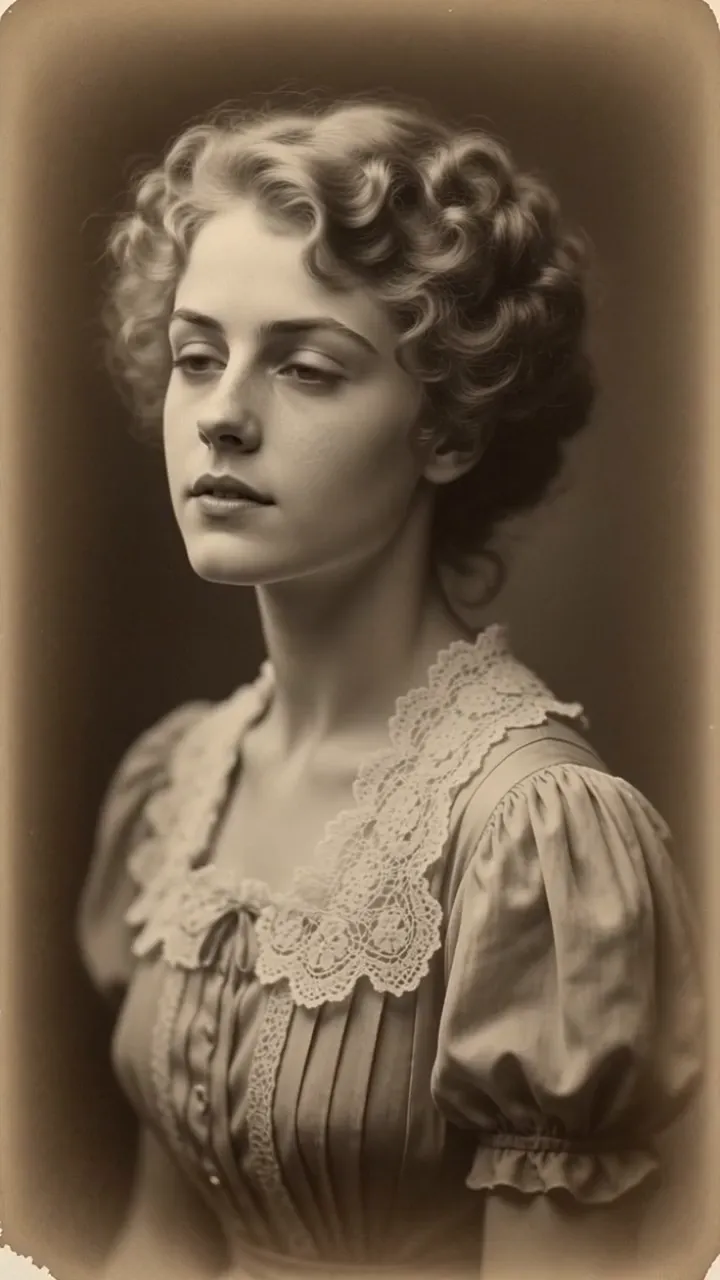
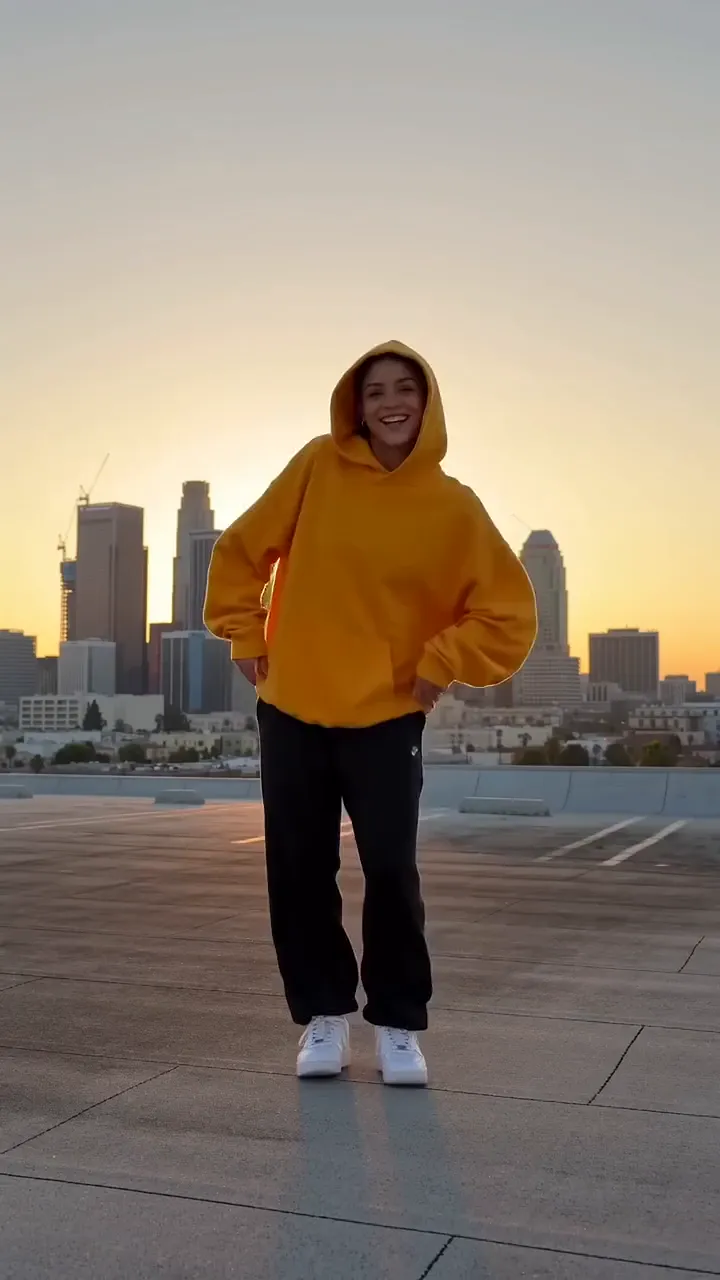

Make your own AI Hug video
The studio opens with the example prompt, 9:16 and 5 seconds filled in; nothing generates until you press Generate. New accounts get 25 starter credits for images and video. Free video covers Seedance 2 Fast and Seedance 2.0 Mini at 720p only, queued and rate limited. Other video models and 1080p and above need a plan.