 Official BytePlus partnerBytePlus, a ByteDance company
Add text to a video online
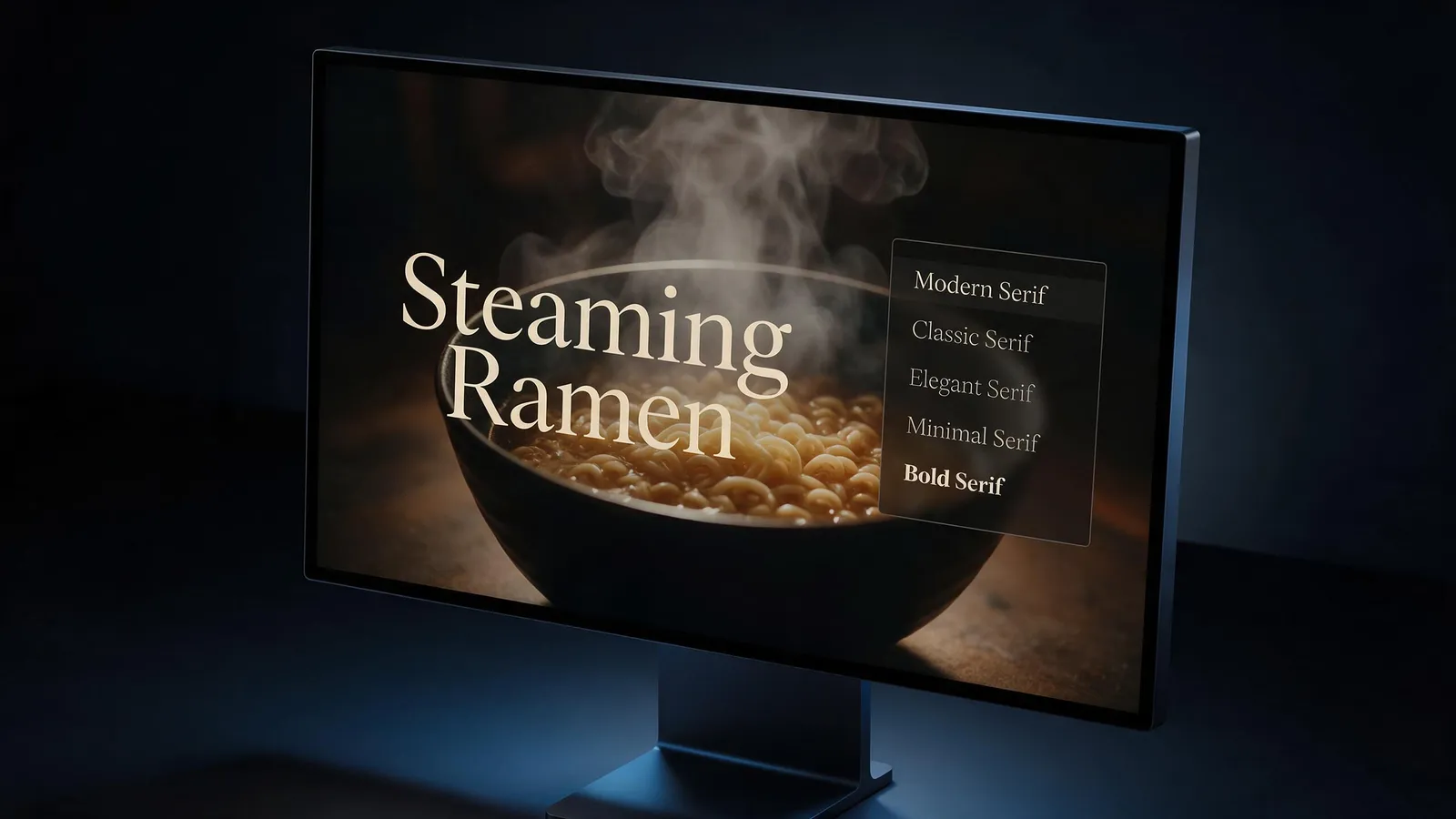
Put a title, a label or a call to action on any video in 46 fonts, place it where you want and animate it in and out. Free in your browser with a KreatorFlow account.
- 46 fonts
- Text animations
- Multiple text tracks
- No download
On this page
How do you add text to a video?
- 1
Upload your video
Open the editor, press Import and upload an MP4, MOV or WebM file up to 200 MB.
- 2
Add a text clip
Open Text and add a text clip to the timeline above your video.
- 3
Style and place it
Type your words, pick a font, size and color, and drag it into place on the preview. Stretch the clip to set how long it shows.
- 4
Export
Choose shape, quality and frame rate, and the video with your text lands in your library.
What can you do with text?
46 fonts
Try every font while you edit. 10 export on the free plan and the rest on a paid plan.
Animations
Give text an entrance, an exit or a loop animation.
Layers
Stack several text clips on separate tracks: a title, a label and a caption at once.
Captions too
Need words for speech? Auto captions turn speech into text clips you can restyle like any other.
Is it free?
Editing is free for everyone, with every tool. A plan changes the export.
| Plan | Exports | Up to | Watermark |
|---|---|---|---|
| Free | 5 exports a month, up to 1 min each | 1080p | Small "Made on KreatorFlow.ai" mark |
| Creator | 60 export minutes a month, up to 10 min each | 2K | None |
| Pro | Unlimited exports, up to 30 min each | 4K | None |
| Max | Unlimited exports, up to 60 min each | 4K | None |
Questions
Is adding text free?
Yes. Editing is free. A free account exports 5 videos a month, up to 1 min each, at 1080p with a small mark.
Can I animate the text?
Yes. Every text clip can have an entrance, an exit or a loop animation.
Can I change the font?
Yes, there are 46 fonts. 10 of them export on the free plan.
Can I show text for only part of the video?
Yes. Drag the text clip's ends on the timeline to set when it appears and disappears.
Does it work on a phone?
The editor is built for a laptop or desktop browser.
Open the editor free
Upload your clip and get it done in a few minutes.