 Official BytePlus partnerBytePlus, a ByteDance company
Trim a video online, free
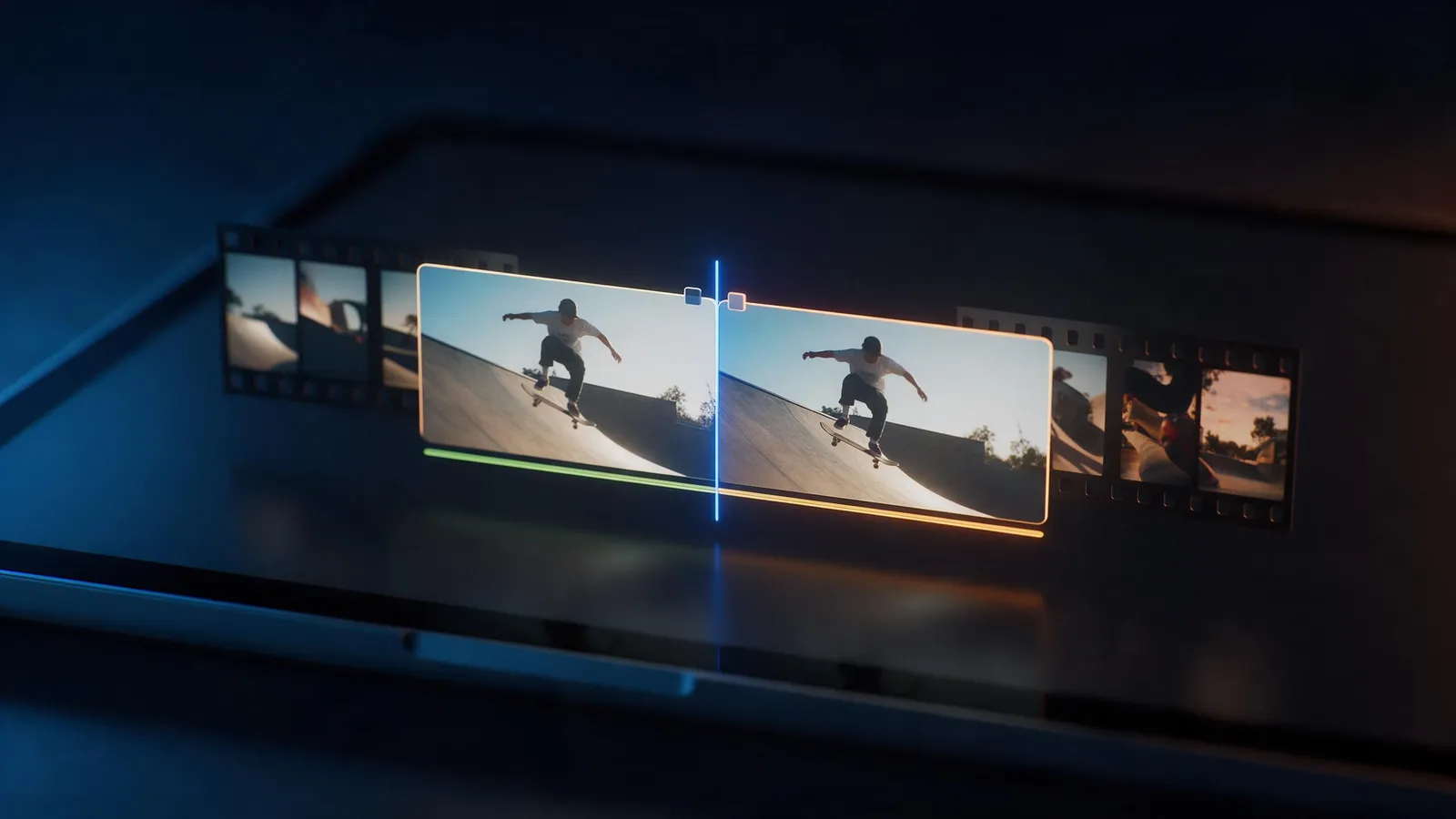
Cut the slow start, the shaky end or anything in the middle. Drag a clip's edges to trim it, split it at the playhead and delete the parts you don't want. Free in your browser with a KreatorFlow account.
- Trim and split
- Undo anytime
- Up to 4K on paid plans
- No download
On this page
How do you trim a video online?
- 1
Upload your video
Open the editor, press Import and upload an MP4, MOV or WebM file up to 200 MB.
- 2
Trim the ends
Drag the start or end of the clip on the timeline to cut what you don't need.
- 3
Cut the middle
Move the playhead, press Split (Ctrl or Cmd + B), select the part you don't want and delete it.
- 4
Export
Choose shape, quality and frame rate. The trimmed video lands in your library.
What else can you do?
Split and duplicate
Split a clip anywhere and duplicate any piece (Ctrl or Cmd + D).
Undo and redo
Every cut can be undone with Ctrl or Cmd + Z.
Transitions
Smooth the joins between cut pieces with a transition.
Any shape
Export as 9:16, 16:9, 1:1, 4:5, 4:3 at 24, 30, 60 fps.
Is it free?
Editing is free for everyone, with every tool. A plan changes the export.
| Plan | Exports | Up to | Watermark |
|---|---|---|---|
| Free | 5 exports a month, up to 1 min each | 1080p | Small "Made on KreatorFlow.ai" mark |
| Creator | 60 export minutes a month, up to 10 min each | 2K | None |
| Pro | Unlimited exports, up to 30 min each | 4K | None |
| Max | Unlimited exports, up to 60 min each | 4K | None |
Questions
Is trimming free?
Yes. Editing is free. A free account exports 5 videos a month, up to 1 min each, at 1080p with a small mark. Paid plans export longer, up to 4K, without the mark.
Which files can I upload?
MP4, MOV and WebM videos up to 200 MB.
Does trimming lower the quality?
The export is rendered fresh at the quality you pick, up to 1080p on the free plan and 4K on Pro and Max.
Can I undo a cut?
Yes, with Ctrl or Cmd + Z, or the undo button above the timeline.
Does it work on a phone?
The editor is built for a laptop or desktop browser.
Open the editor free
Upload your clip and get it done in a few minutes.