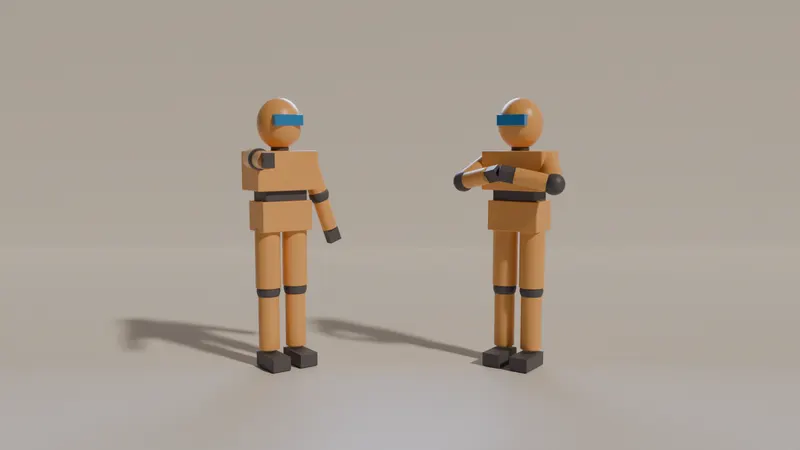
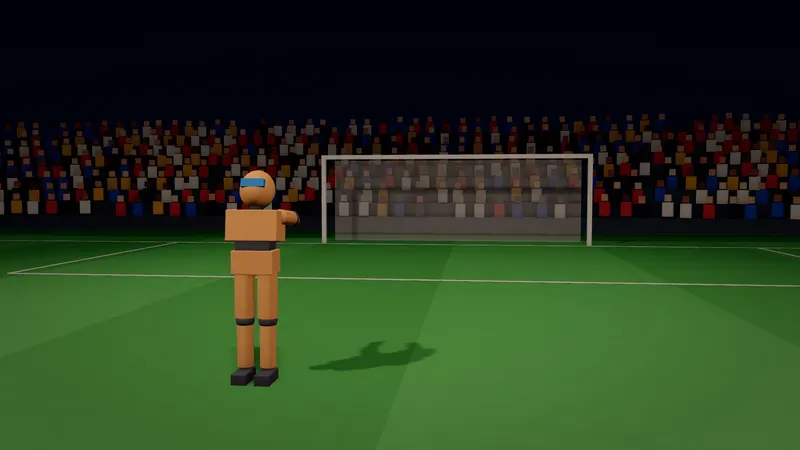
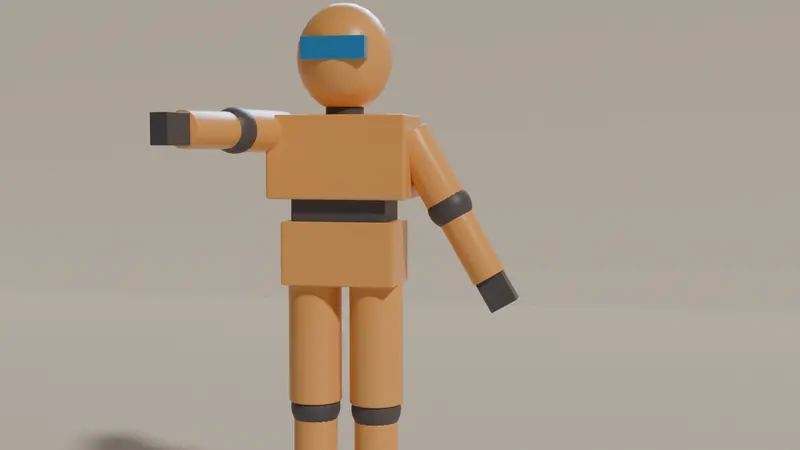
Get started
A combined workflow: desktop 3D tool, then Stage, then AI video
- 1
Model or animate the asset in your desktop tool
Build the character, prop or set where you are fastest: Blender, Cinema 4D, Unreal or Cascadeur. Keep it light: Stage is for blocking, so a clean mesh with a humanoid rig and simple materials works better than a heavy hero asset.
- 2
Export it as glTF or GLB
Blender, Cinema 4D, Unreal Engine and Cascadeur's paid plans all have a glTF exporter (see the sources in the table below). Export a single .glb under 50 MB. VRM avatars work too. Stage does not open .blend, FBX, OBJ, USD or Alembic files, so convert to glTF first.
- 3
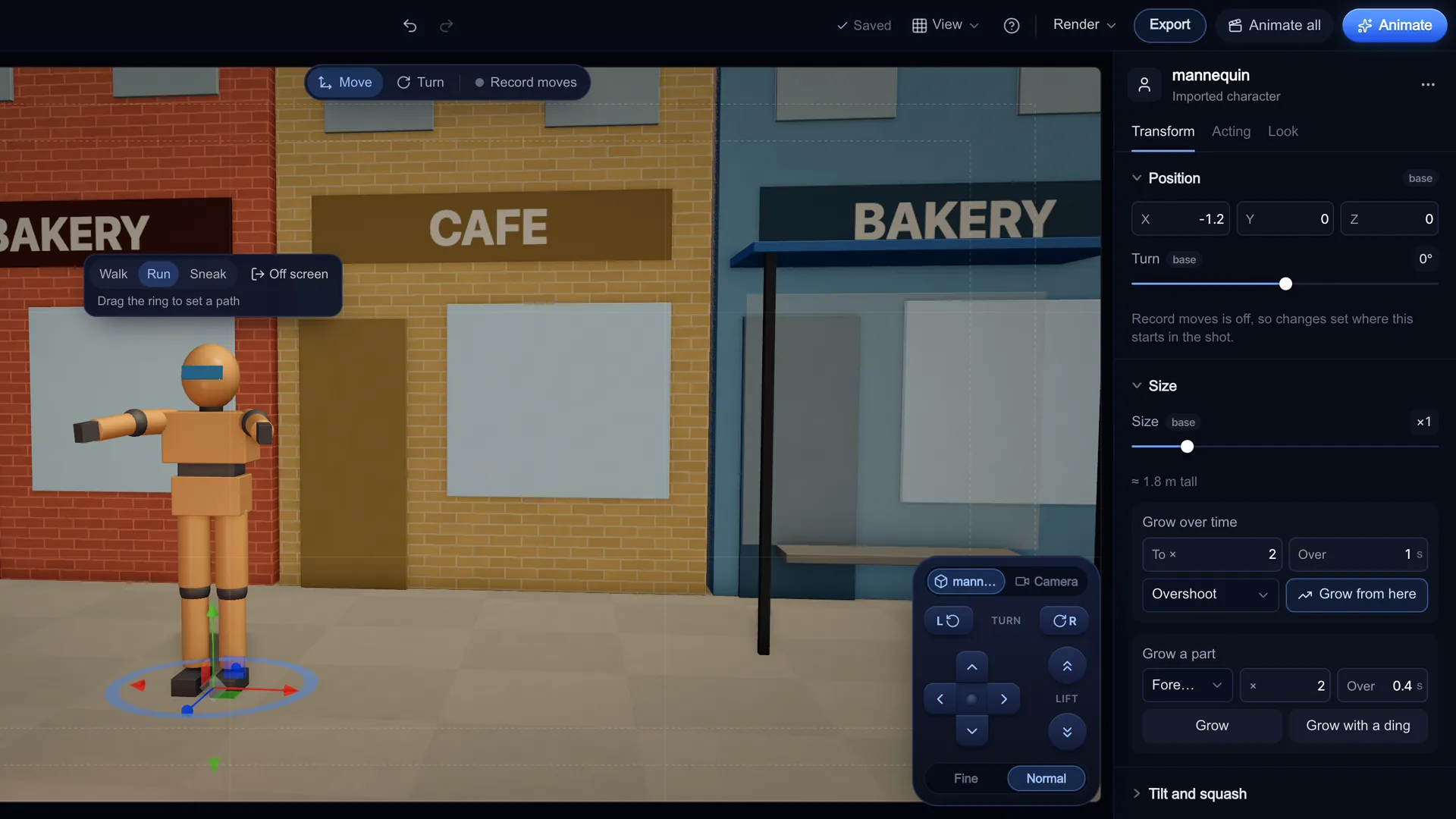
Import it in Stage
Open Stage, pick an example with Open this or start from an empty scene, then open Import in the Add tab and choose Character (GLB, VRM), Prop (GLB) or Set (GLB). The file stays on your device and is never uploaded. If Stage finds a humanoid rig, it says "Rig found: the pose tools will drive it."
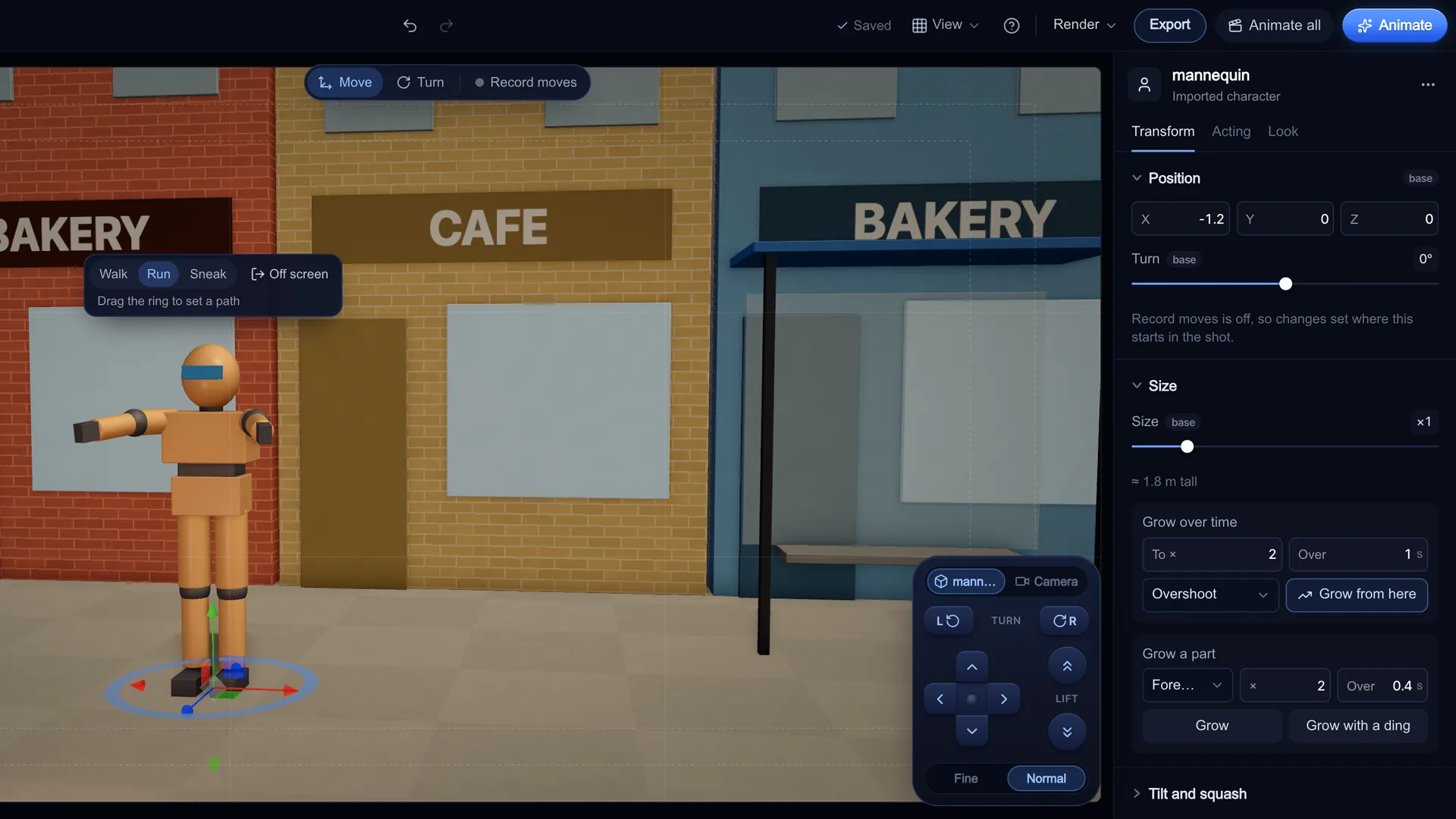
Screenshot of kreatorflow.ai, 2026-11-06 - 4
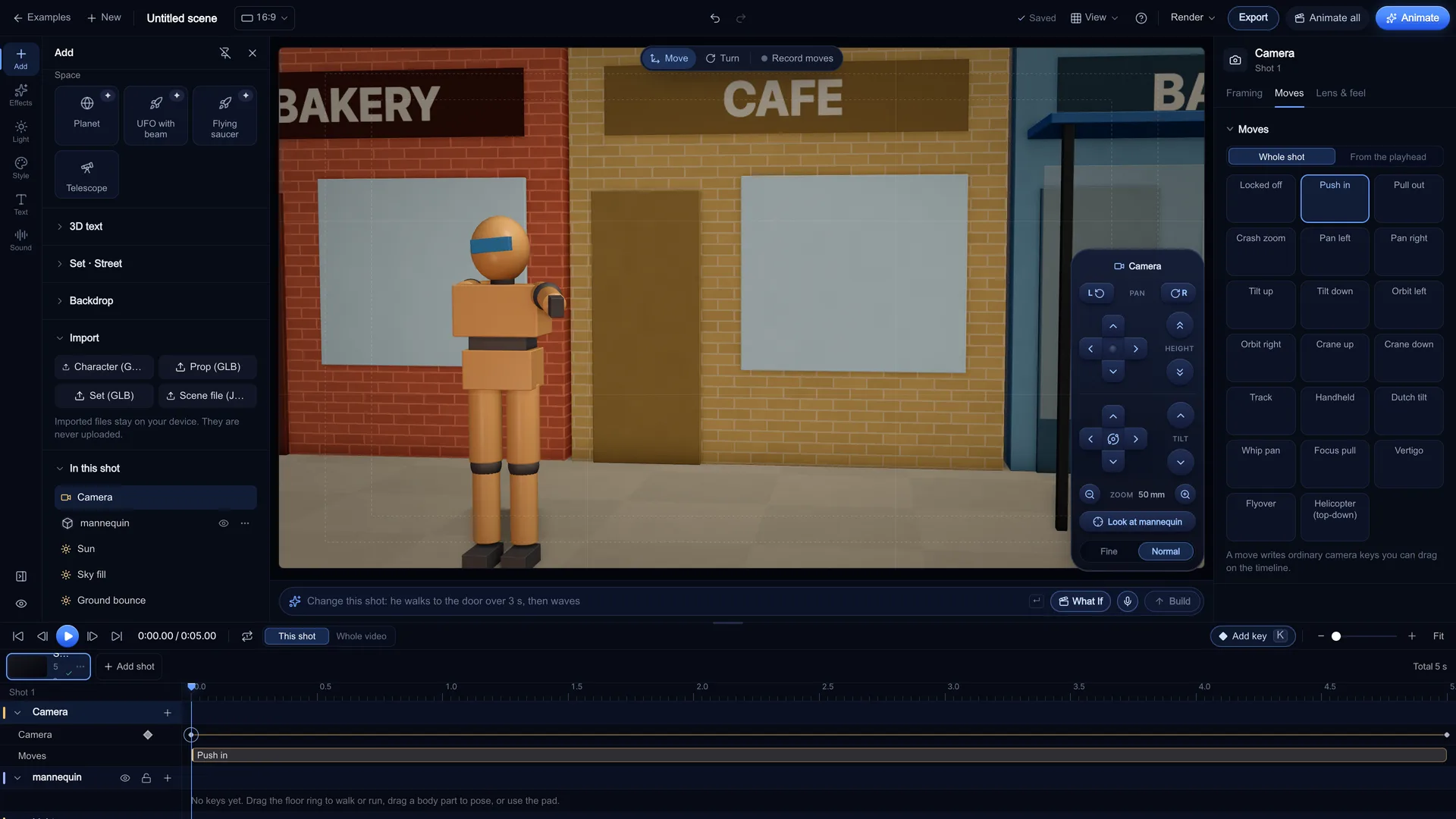
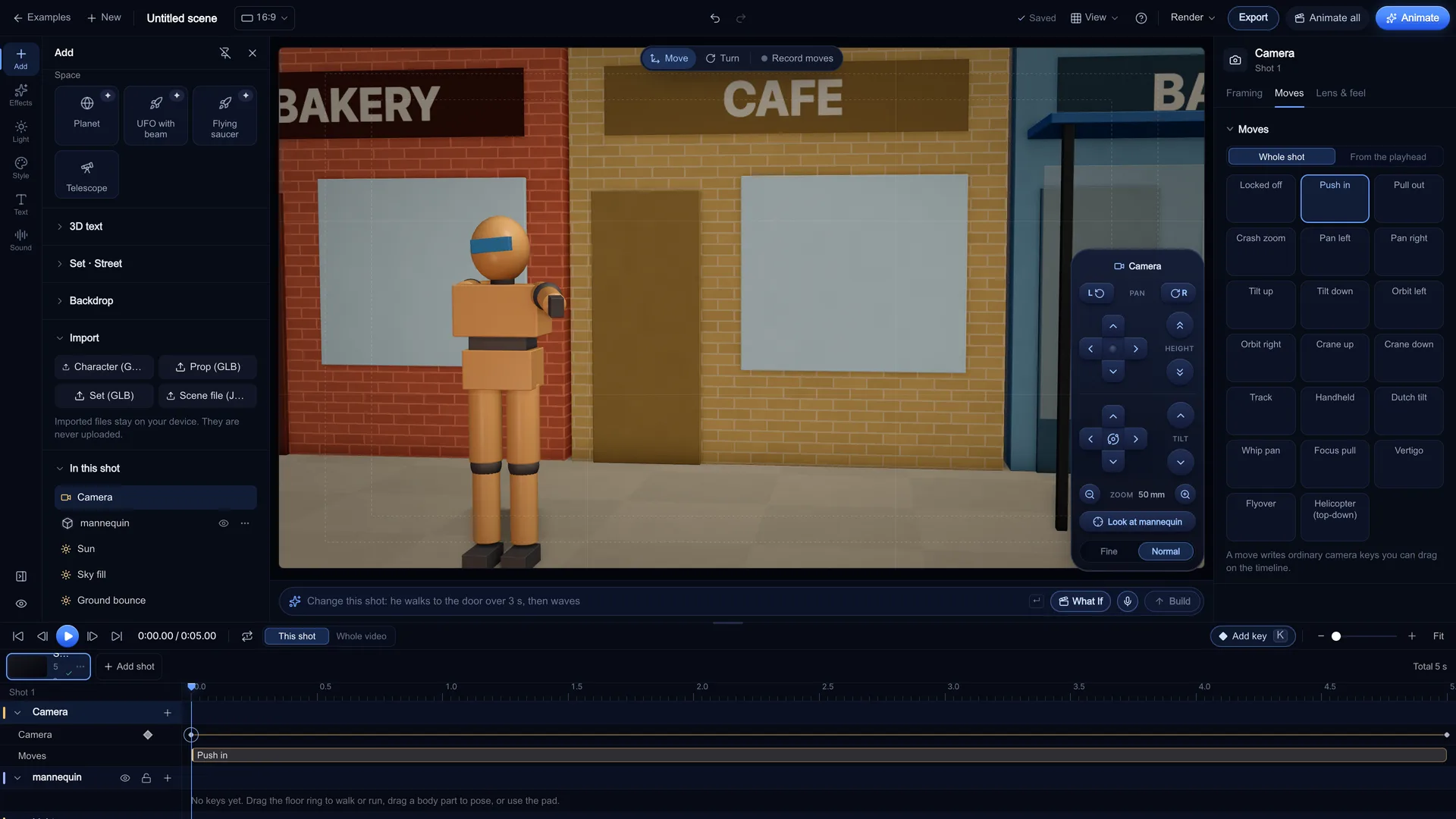
Block the shot
Place the character on a mark, give it a Pose, pick a Framing, a Lens (14, 24, 35, 50, 85, 135 mm presets, or any focal length from 10 to 200 mm) and a Camera move such as Push in, Orbit left or Crash zoom. Every move writes real keys on the timeline that you can drag and re-ease.
Screenshot of kreatorflow.ai, 2026-11-06 - 5
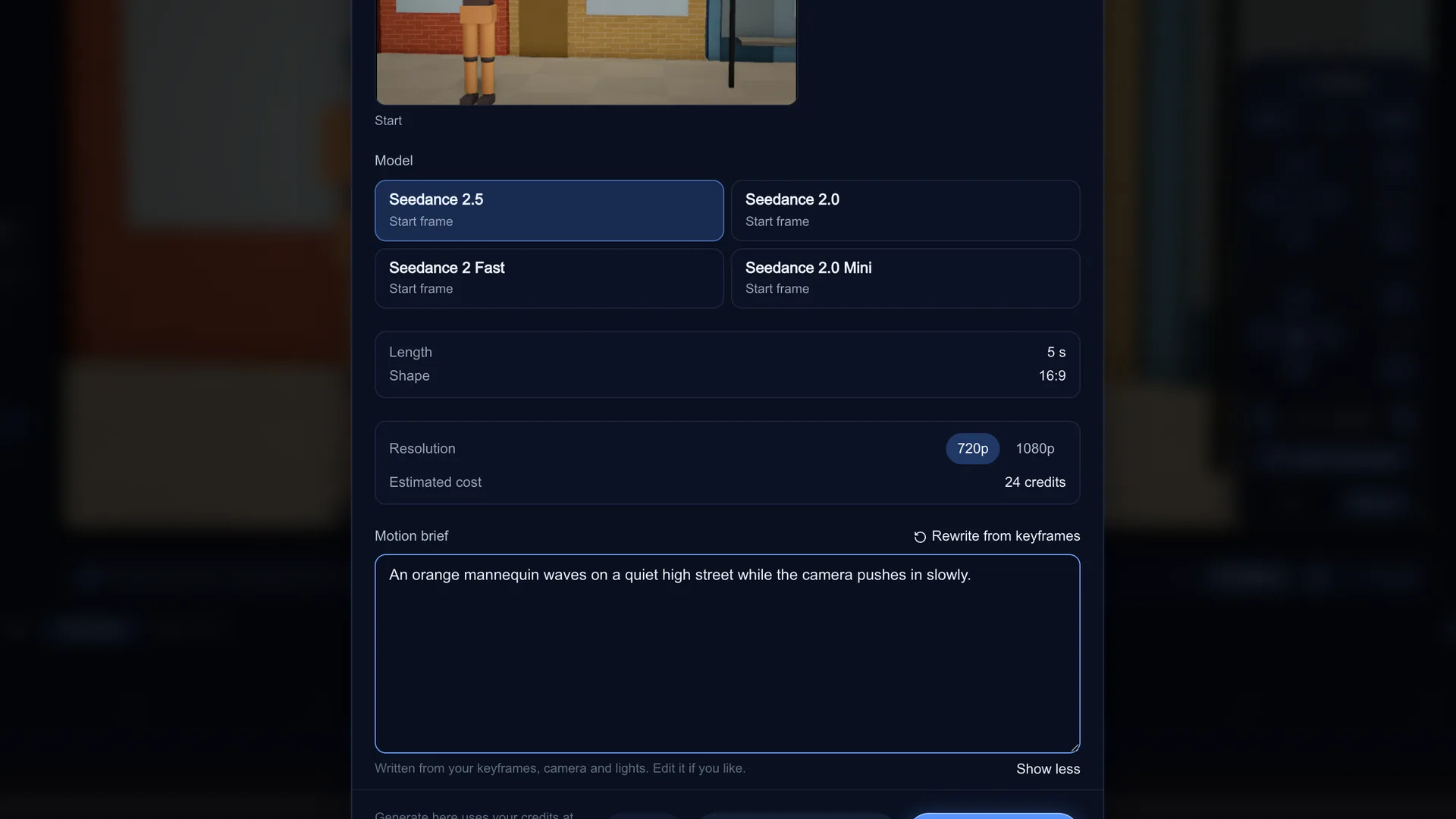
Animate the shot
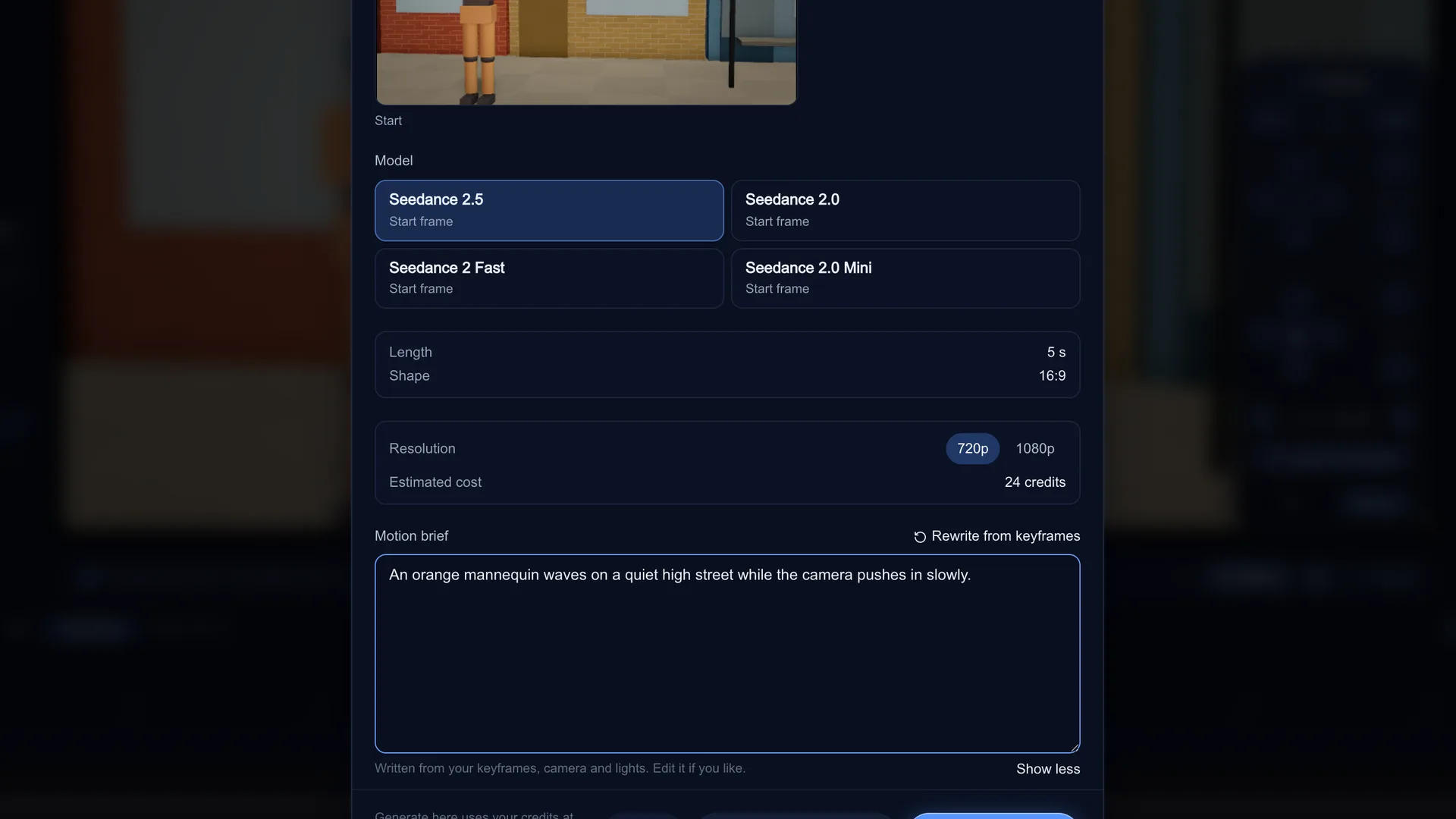
Press Animate on the timeline. The dialog renders clean frames at the model's shape, snaps the length to what the model makes and writes a Motion brief from your keyframes, which you can edit. Seedance takes your planned start frame as the exact first frame of the video. Generate here spends credits in Stage after showing the Estimated cost; Open in Video studio takes you to the Video studio, and nothing is spent until you press Generate there.
Screenshot of kreatorflow.ai, 2026-11-06
The five jobs in an AI video shot
An AI video model is the renderer. What it cannot do well on its own is follow an exact plan: where each person stands, what the lens is, how the camera moves and how the shot ends. A 3D tool earns its place in AI filmmaking by doing one or more of these jobs:
- Frame: who is where, at what size, through which lens
- Motion: what each character does, with believable timing
- Camera: the move over the length of the shot
- Look: light, palette and style the model should copy
- Hand-off: getting frames and a clear brief into the video model
Blender vs Unreal vs Cinema 4D vs Cascadeur vs Stage
Prices and licences change, so each row links the official page we read on 6 Nov 2026. "Hand-off" is how a frame from that tool usually reaches an AI video model.
| Tool | Price model | Strongest job | Learning curve | Hand-off to AI video |
|---|---|---|---|---|
| Blender | Free and open source (GPL) | Modelling, rigging, final renders | Steep | Render a still, upload it as a start image |
| Unreal Engine | Free for most linear content; paid seats above $1M revenue | Real-time worlds, virtual camera, Sequencer previs | Steep | Render a still or clip from Sequencer, upload it |
| Cinema 4D | Paid subscription (free trial) | Motion graphics, product and type animation | Moderate | Render a still, upload it |
| Cascadeur | Free non-commercial plan; paid Indie and Pro | Physically believable character keyframes | Moderate | Export glTF (paid plans) or render a still |
| Stage (KreatorFlow) | Free to plan; Animate uses credits | Fast blocking, camera keys, previs | Gentle (browser, examples first) | Animate sends frames and a brief to Seedance |
Sources, as checked:
- blender.org: license: blender.org/about/license/
- Unreal Engine FAQ (licensing): unrealengine.com/en-US/faq
- maxon.net: buy Cinema 4D: maxon.net/en/buy
- cascadeur.com: plans: cascadeur.com/plans
Blender: use it when you need the asset itself
Blender is free and does almost everything: modelling, sculpting, rigging, simulation and path-traced rendering. For AI video it is strongest before and after the model: building a custom character or set, or rendering a perfect start image.
Use it when the shot depends on an asset nobody else has. Its glTF 2.0 exporter is built in, so a Blender character can go straight into Stage for blocking.
Unreal Engine: use it for big worlds and virtual cameras
Unreal is built for real-time worlds. Sequencer, cine cameras and virtual production tools make it a common choice for large-scale previs, and Epic's FAQ says linear content carries no royalty under the standard licence.
Use it when you need a whole environment you can walk a camera through, or a team already lives in it. It is a heavy install and a big learning curve for a five-shot short. Epic's glTF exporter can write levels and assets to .gltf or .glb.
Cinema 4D: use it for motion graphics and product shots
Cinema 4D is the motion designer's tool: MoGraph, clean product renders and kinetic type. For AI video it shines on ad work, where you want an exact product frame that the model then brings to life.
Use it when the job is a branded product or graphic shot. It is a paid subscription, and its glTF exporter covers meshes, cameras and animation with some material limits.
Cascadeur: use it for character motion that obeys physics
Cascadeur is a keyframe animation tool with physics help: auto-posing and trajectory tools make jumps, falls and fights look weighted. That makes it good for the motion part of a shot, which AI video models often get floaty.
Use it when a specific action has to look right. Plan the export path early: glTF/GLB export is on the paid plans only.
Stage: use it to block the shot and hand it to the AI model
Stage is KreatorFlow's free 3D shot planner. It runs in your browser on your own GPU, with 14 example scenes to open and remix. You get a parametric cast with poses and expressions, sets, lighting presets, 6 lens presets plus any focal length from 10 to 200 mm, and camera moves that write editable keys.
Use it when you already know the shot and want the AI video to follow it. Animate renders the frames and writes the motion brief, and the Video studio shows the cost before you generate. A 5-second 720p Seedance 2.0 clip costs 15 credits, Seedance 2.5 24.
What Stage does not do: it does not open .blend or FBX files, and it does not export to Blender, FBX, USD or other 3D apps. It imports .glb, .gltf and .vrm up to 50 MB, kept on your device. Editing needs a desktop or laptop screen, and projects are saved in your browser, not the cloud.
KreatorFlow is an official partner of BytePlus, a ByteDance company.
Which two to combine
Most AI filmmakers end up with one desktop tool for assets and one fast planner for shots. Common pairs:
- Blender + Stage: build a custom character in Blender, export GLB, block every shot in Stage, Animate
- Cascadeur + Stage: key the hero action in Cascadeur, export glTF, frame and time it in Stage
- Cinema 4D + Stage: model the product in Cinema 4D, export glTF, set the camera move in Stage
- Unreal alone: when the world is the star and you render your own start frames from Sequencer
- Stage alone: when the built-in cast, sets and lights are enough for the short
Questions other guides skip
Can I use Unreal Engine for free to make AI video previs?
For most creators, yes. Epic's FAQ says the standard license charges no royalty on linear content such as films, ads and videos, but companies making linear content with more than $1 million a year in gross revenue need paid seats. Check the FAQ for your case before a commercial job.
Source: Unreal Engine FAQ (licensing)
Can Cascadeur's free plan export to other tools?
Not usefully for this pipeline. Cascadeur's plans page says the Free plan is non-commercial and exports only its own .casc format, with frame and joint caps. glTF/GLB export, which Stage can read, needs a paid plan.
Source: cascadeur.com: plans
Will my Cinema 4D materials survive a glTF export?
Only the simple ones. Maxon's glTF export page lists limits, for example node materials are not supported and Redshift materials can look different. For blocking that rarely matters: Stage re-styles the scene anyway, and the AI model sets the final look.
Source: Cinema 4D help: glTF export
Does Stage replace Blender?
No. Stage does not model, sculpt, UV, rig from scratch or path-trace a final film, and it does not import or export .blend files. It is the fast middle step between a 3D asset and an AI video model. Our Stage vs Blender guide goes deeper.
Free in your browser
Block your next AI shot in Stage
Open an example, import your glTF character, key the camera and press Animate. Planning is free; credits are only spent when you confirm a generation (Generate here, Animate all, or Generate in the Video studio) or make KreatorFlow voice lines.
Frequently asked questions
What is the best 3D software for AI video?
It depends on the job. Unreal Engine for real-time worlds and virtual cameras, Blender for free modelling and renders, Cinema 4D for motion graphics, Cascadeur for physical character animation, and a shot planner like Stage for fast blocking and the hand-off to the AI model.
Do I need 3D software to make AI video at all?
No. Text-to-video and image-to-video work without any 3D. A 3D step helps when you need an exact layout, lens or camera move that a prompt alone keeps getting wrong.
Is Unreal Engine free for making videos?
Epic's FAQ says the standard licence charges no royalty on linear content such as films and videos. Companies making linear content with over $1 million in yearly gross revenue need paid seats.
Can I bring my Blender model into Stage?
Yes, as glTF. Export a .glb from Blender's built-in glTF 2.0 exporter and import it from the Add tab in Stage (up to 50 MB). Stage does not open .blend files directly.
Can Stage export my scene back to Blender or Unreal?
No. Stage exports a previs video, start and end frame PNGs and its own scene file, which only opens in Stage. It does not export glTF, FBX, USD or camera data for other 3D apps.
Is Stage free?
Planning is free and works signed out. Turning a shot into a video uses credits in the Video studio, and you see the cost before you press Generate. A 5-second 720p Seedance 2.0 clip costs 15 credits, Seedance 2.5 24.